Veterinary Consultations
Consultation List
Displays all consultations with their main information.
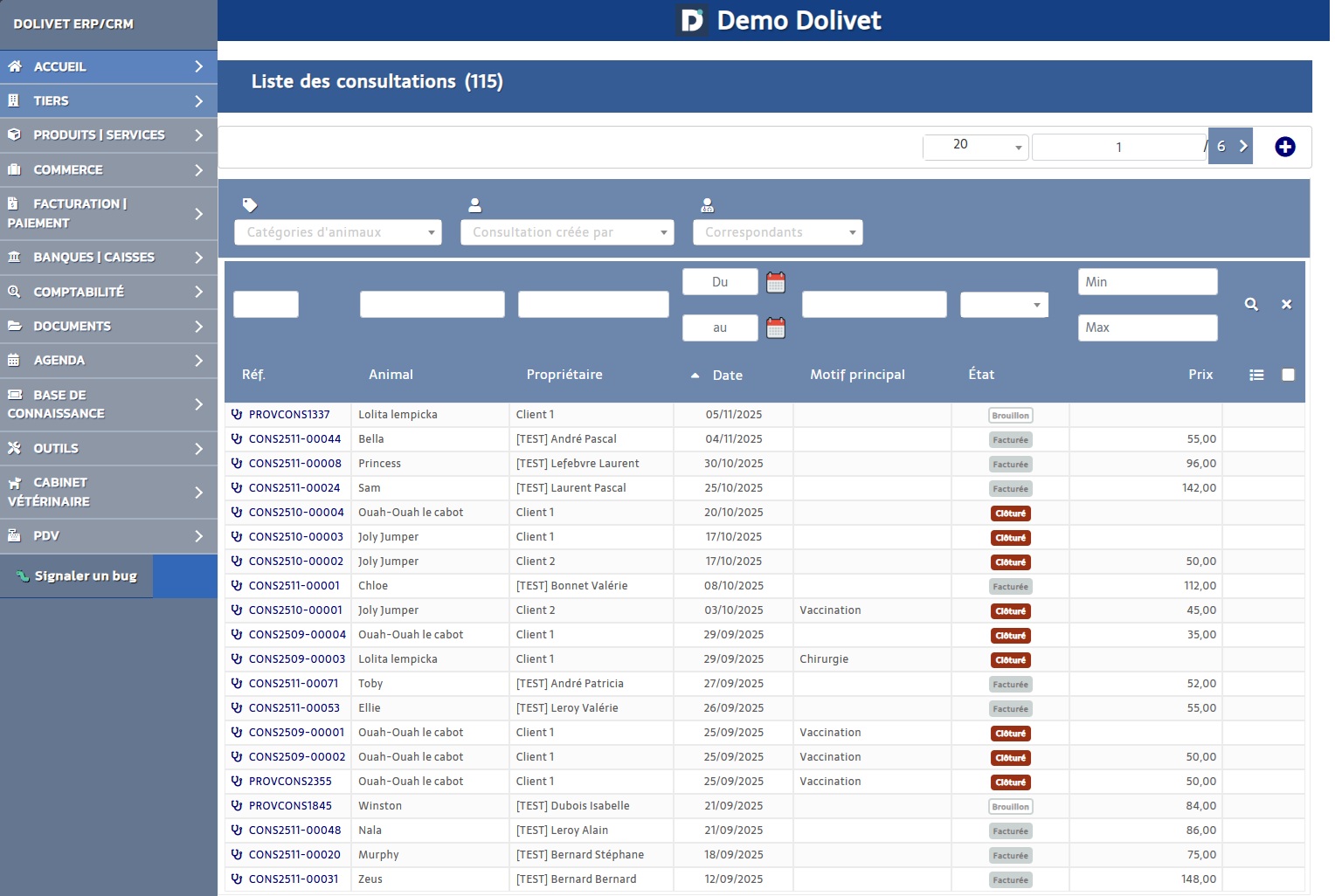
- Reference
- Date
- Animal concerned
- Reason
- Diagnosis
- Status (Draft/Validated/Billed/Closed)
- Veterinarian
- Amount
Create a Consultation
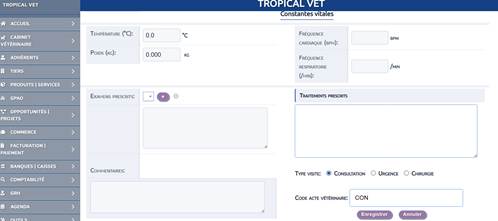
- Select the animal (search by name)
- Enter the date (default: today)
- Select the consultation reason (dropdown list)
- Fill in the diagnosis
- Describe the prescribed treatment
- Add the veterinary procedures performed
- Save

Consultation Workflow
Consultations follow a 4-step workflow.
Draft
Validated
Billed
Closed
| Status | Description | Actions |
|---|---|---|
| Draft | Consultation being entered | Edit, Delete, Validate |
| Validated | Completed consultation, not editable | Bill, Close |
| Billed | Invoice generated | View invoice, Close |
| Closed | Archived | View only |
Validate a Consultation
- Open the consultation record
- Verify that all information is correct
- Click the "Validate" button
- Confirm
Warning:
Once validated, the consultation can no longer be modified (except by an administrator).
Acts / Billing
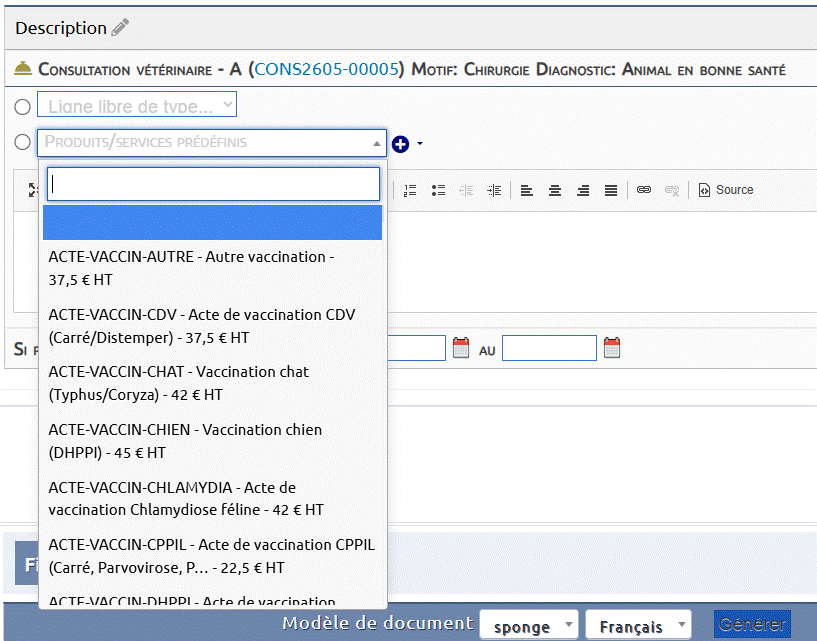
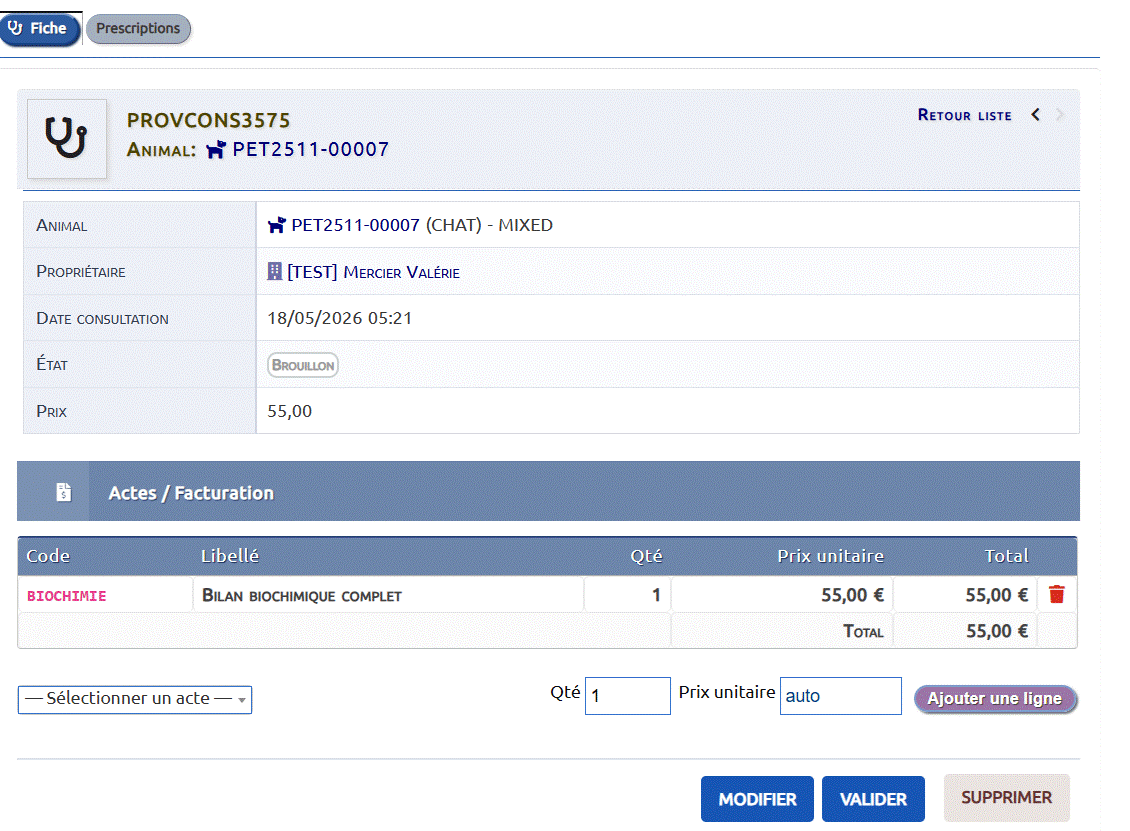
The "Acts / Billing" section lets you record the veterinary acts performed during the consultation. Each act is selected from the veterinary dictionary and its price is applied automatically. The total is recalculated in real time.
Note:
Prerequisite: the acts dictionary must be filled in and Dolibarr services generated (see Administration → Consultation Acts).
Adding an act to a consultation
- Open or create a consultation (Draft or Validated status)
- In the Acts / Billing section, click the "— Select an act —" dropdown
- Type a code or name to filter the list (e.g. "CONSULT", "ECHO")
- Select an act: the unit price fills automatically
- Adjust the quantity if needed (default: 1)
- Click "Add a line"
- The consultation total price is recalculated automatically
Repeat for each performed act (consultation + ultrasound + tests, etc.)
To remove a line, click the red icon on that row.
Impact on the invoice
When generating the invoice ("Bill"), each added act becomes a separate invoice line with its associated VET-* product, label and amount. This enables precise tracking of billed acts.
Tip:
Tip: add acts before validating the consultation so the price is correct from validation.
Bill a Consultation



- The consultation must be validated
- Click the "Bill" button
- A draft invoice is automatically created:
- Client = Main owner of the animal
- Lines = Consultation procedures
- Amount = Sum of procedures
- You are redirected to the invoice for validation